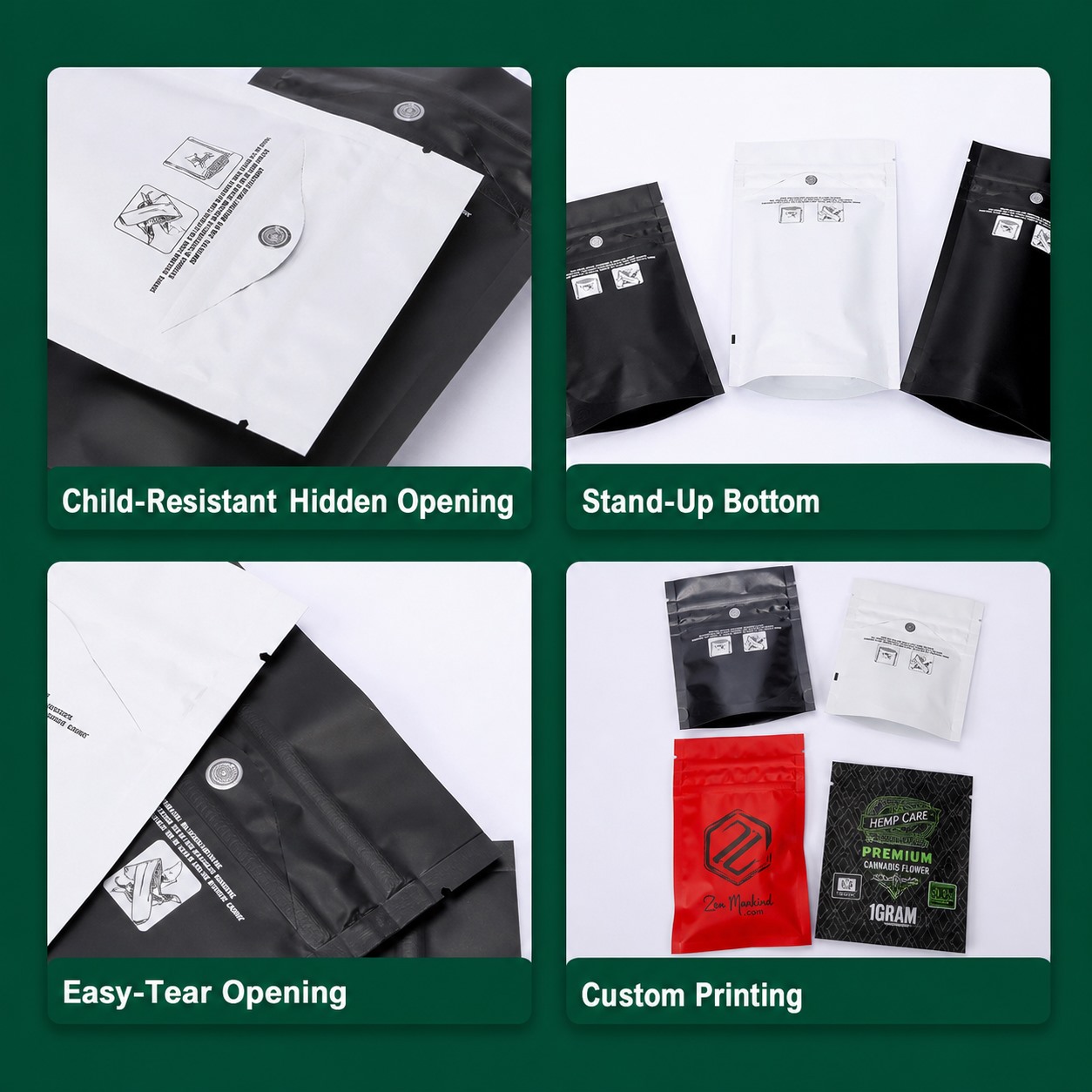
Short answer: place the barcode on a reasonably flat, consistently printed area that stays away from seals, folds, gusset transitions, zipper hardware and strong curvature after filling. Preserve the required quiet zones and contrast, then verify the finished symbol with the actual package and scanning environment.
The barcode often arrives late in the artwork process. The front panel is already full, warnings have claimed the back, and the designer finds a narrow empty strip near the gusset. It fits on screen. After filling, that strip bends under the pouch and the checkout scanner sees a curve instead of a clean symbol.
Start with the symbol and scanning use
Ask which barcode type is required, who assigns the data and where it will be scanned. A retail point-of-sale symbol, a logistics label and an internal warehouse code do not have the same job. The brand or authorized GS1 member should control number assignment; the packaging supplier should not invent identifying numbers.
GS1’s barcode implementation guidance emphasizes correct symbol sizing, color, quiet zones, placement and verification. Use the current specification for the selected symbol rather than shrinking a barcode until it fits.
Choose the most stable print area
On a flexible pouch, “flat” means flat after filling—not only when the sample lies on a desk. Avoid:
- vertical and horizontal seals;
- the fold where a bottom gusset opens;
- the zipper and top-seal zone;
- rounded corners and tear notches;
- areas that wrinkle when the pouch stands;
- metallic or patterned backgrounds that reduce contrast.
For a stand-up pouch, a central portion of the rear panel is often easier to manage, but it is not an automatic rule. Fill the pouch, set it on the intended surface and check where the panel remains stable.
Protect the quiet zones
The blank space beside a barcode is functional, not decorative. Text, borders, illustrations or a nearby color change can interfere with identification. GS1 calls these areas “quiet zones” and requires them for the symbol to be recognized reliably.
Place a visible keep-clear box in the artwork working file. Do not rely on the designer remembering it after the barcode is scaled.
Use dependable contrast
Black bars on a white or very light, non-reflective background are the easiest starting point. Some color combinations can work, but visual contrast to the human eye does not guarantee scanner contrast. Metallic foil, holographic effects, transparent windows and high-gloss reflections deserve extra caution.
If the pouch design is complex, reserve a plain light panel behind the symbol. Do not place important artwork beneath a white sticker unless the production specification actually calls for a label.
Test the finished package, not a PDF
- Print at production size and method.
- Fill and close the pouch using the approved contents and amount.
- Condition and handle it as expected in distribution.
- Scan multiple samples in the actual retail or warehouse orientation where possible.
- Use formal barcode verification when required; an occasional successful phone scan is not a grade.
- Record artwork revision, symbol data, size and placement.
| Problem | Likely cause | Action before production |
|---|---|---|
| Scans empty but not filled | Panel curves or wrinkles after filling | Move to a more stable area and retest |
| Works on screen only | Symbol too small or poor print contrast | Restore specification size and verify print |
| Intermittent results | Quiet zone intrusion, glare or registration variation | Simplify background and test multiple samples |
| Correct scan, wrong item | Data assignment or artwork version error | Check the number-owner record and revision control |
Questions buyers often ask
Can a barcode be printed across a gusset?
It is risky because the surface folds and changes shape. Use a stable panel unless the selected symbol, packaging geometry and verification process support another location.
Can we use a QR code instead?
A QR code can carry different information, but it does not automatically replace the barcode required by a retailer or supply chain. Confirm the required data carrier with the receiving party.
Who should approve the barcode?
The brand should approve the data and artwork revision; the printer should confirm print capability; and the retailer or logistics requirement should determine the symbol and verification target.
Read how to measure the filled pouch, browse custom printed pouches, or send MyPakg your dieline and barcode keep-clear requirement.
For a model-specific sample comparison, review the small child-resistant pouch format.